
Lukas Moro
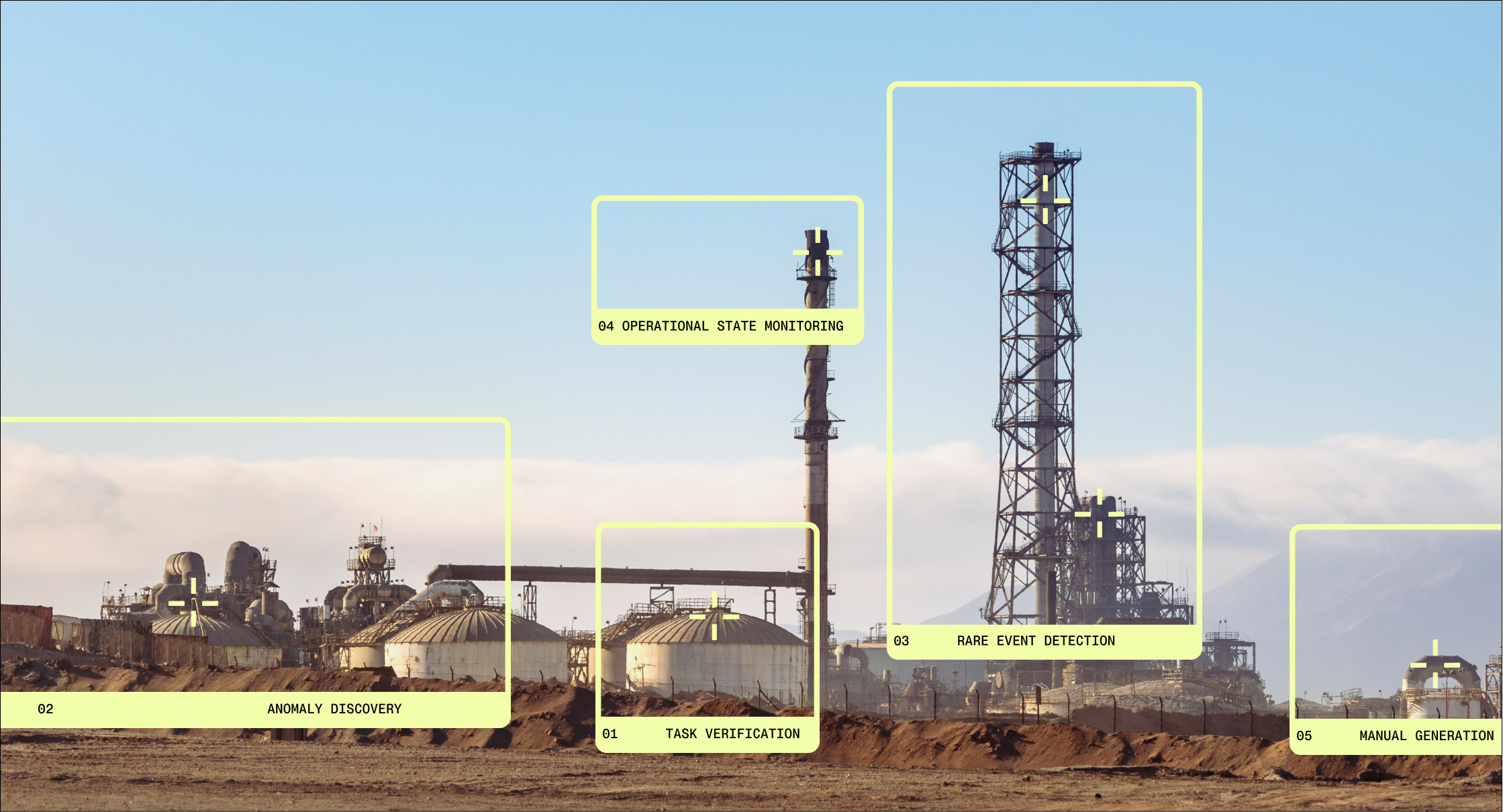
At Archetype AI, we build Newton, a physical world model. Newton learns how machines and operations actually behave directly from sensor data, so the teams who run them can predict unknown failures, understand their root cause in plain language, and automate the response. Teams put it to work through Newton Agents.
A Newton Agent has no interface. It runs in the background, reading vibration, current, video, and other sensor streams and reasoning about what they mean. When someone needs to act on these insights, the agent needs an application around it: a control plane for a fleet of assets, a review screen for a flagged event, a conversational interface for building the next agent.
Designing those applications is messy. They are live, dense, and probabilistic, and they draw on industrial processes that never stop changing. More and more often, they’re also built with AI coding agents. That changes what a design system has to do: it can’t just work as standard UX practice for designers and engineers, it also has to hold up when a coding agent is the one building the interface.
That’s why we’re introducing Signal — the design system behind Archetype AI Console and every prototype we build, and it’s made to work with Newton Agents. The name is also the goal: to help people find the signal in complex, constantly changing data.
Signal Design Principles
Signal operates under three principles: radical legibility, pronounced hierarchy, and dynamic composition. Dense data stays readable, importance and structure read instantly, and multiple processes running at once still feel calm and scannable.
1. Radical Legibility
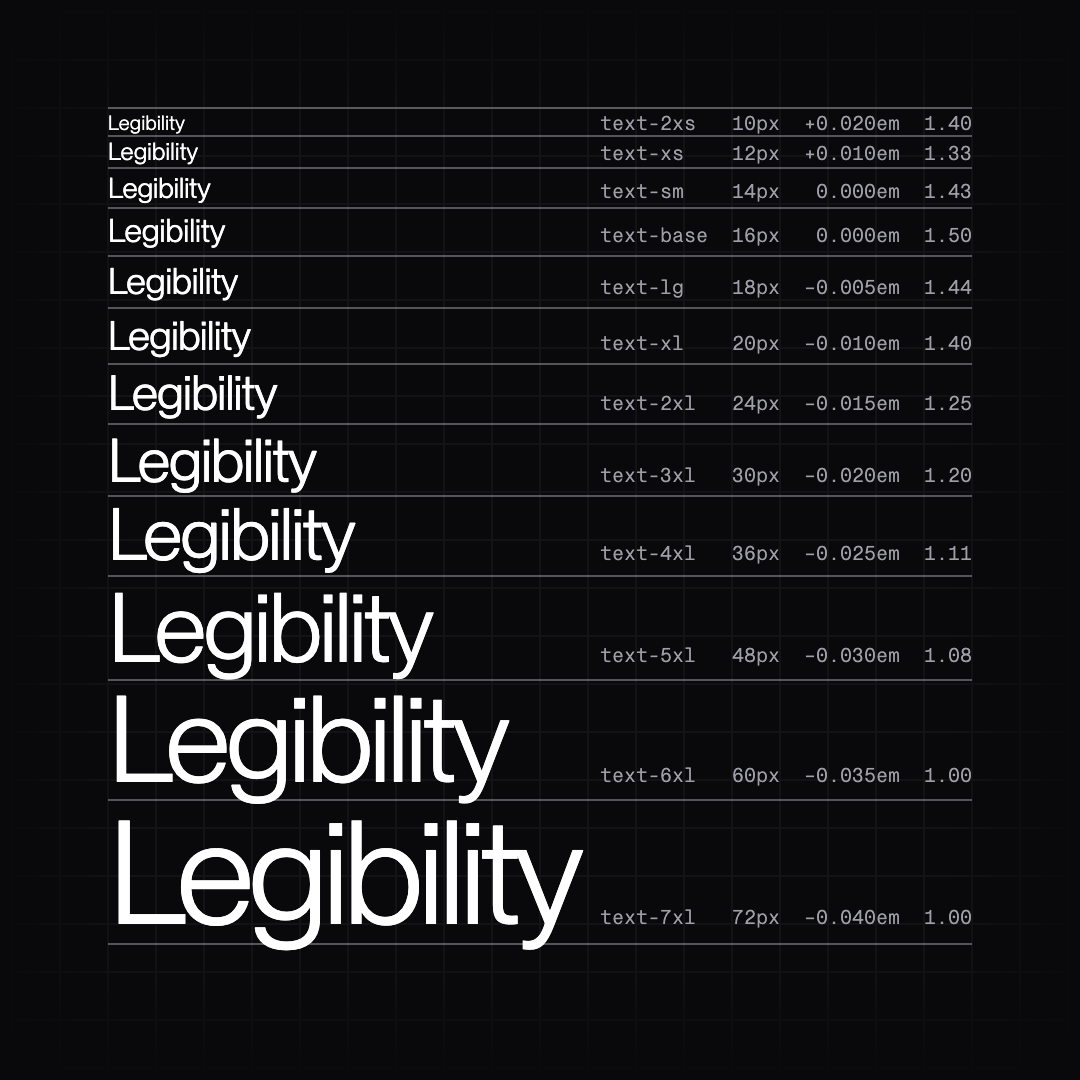
Typography is the backbone of Signal. When processes, inputs, and outputs crowd the screen, legibility is how users find signal in their data.
Type is calibrated per size. Tracking and leading expand slightly at small sizes and tighten as type grows. Metric-matched fallbacks keep layouts steady while fonts load.
2. Pronounced Hierarchy
Hierarchy is pronounced: size, weight, and contrast pull the most important elements forward and push supporting detail back, so the eye lands on the right thing first.
Color is reserved for signal, status, and emphasis. Grouping and proximity show what belongs together, so related items cluster and distinct ones separate on their own.

3. Dynamic Composition
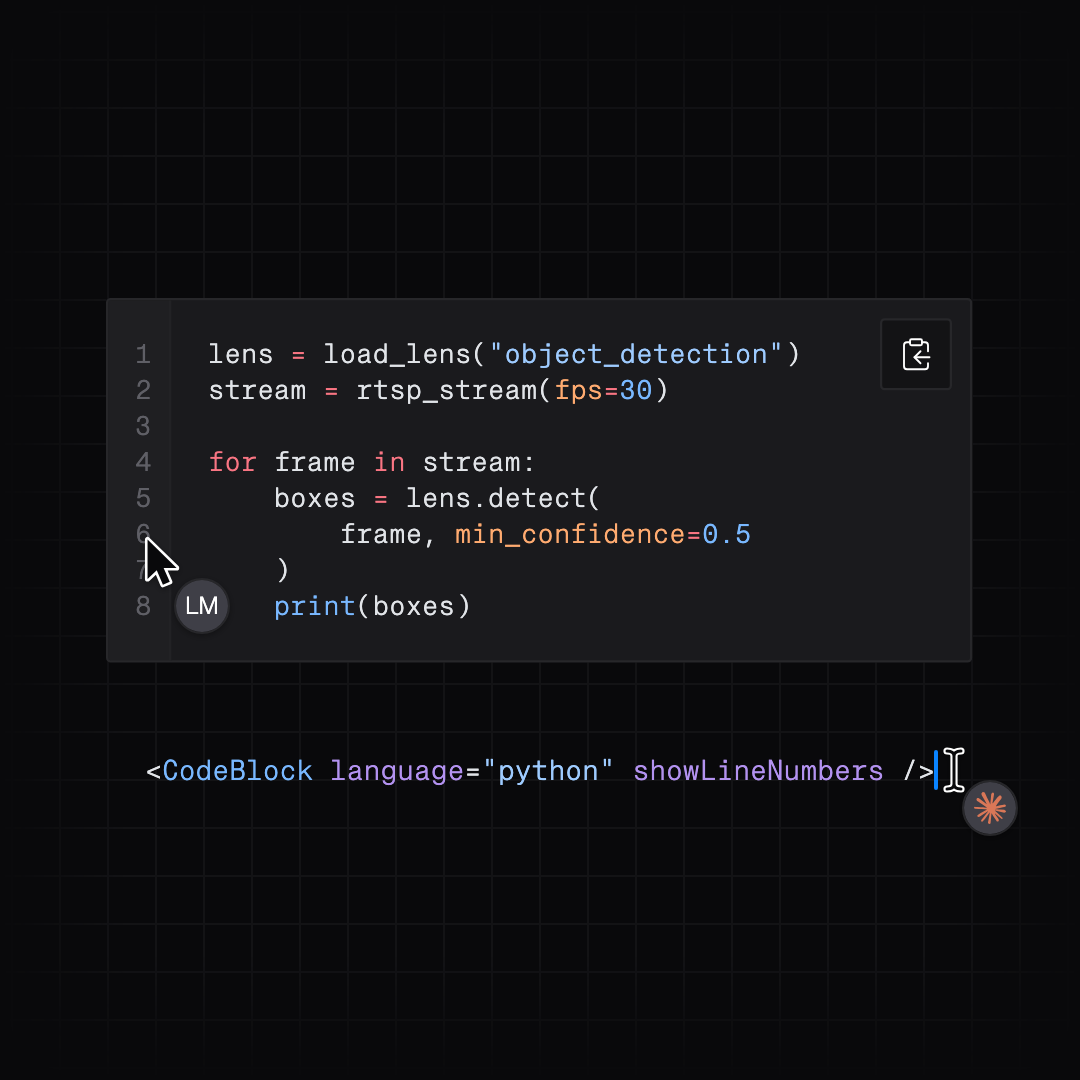
Physical AI covers a wide range of use cases, from predicting product quality to catching machine drift to keeping workers safe on the floor. Each one surfaces different data in a different shape, so the interface has to adapt to the data, not the other way around. Components ship in multiple variants and can be composed flexibly. For example a table adapts its layout, column alignment, and row height to its use case and contents, so it takes the right shape for the data it presents.
The same flexibility makes it possible to create adaptive interface patterns. For example, a pattern can let users quickly switch between a chart and a table to view the same data from different angles.
How we build Signal
Signal is built to collect, refine, and update established design conventions across the Archetype Platform and its prototyping surfaces. Its contents are designed to be usable by both humans and coding agents. This works through a clean separation between tokens and components, which set a shared language; a catalog that explains how to use it; tests that make sure it holds as it grows; and feedback loops for continuous improvement.
Building blocks
Signal is built in layers. At the base are design tokens, the shared decisions about color, type, spacing, and more that keep every component on screen consistent with the Archetype AI brand language.
Components sit on top in two packages. The stable tier, ds-ui-svelte-console, powers our product and changes carefully. The experimental tier, ds-ui-svelte-labs, is where new ideas start and where components mature while being used for prototyping.
When an experimental component settles, it graduates to the stable tier. Both are published on npmjs.com, so anyone can build with the same pieces we do.
Agent Readiness
Signal is designed for building user interfaces with coding agents.
One CLI command sets up a new project with the design system and a set of instructions for agents, written as an AGENTS.md and a component catalog.
npx @archetypeai/ds-cli@latest create my-project
The instructions set ground rules, such as:
Build from Signal's components before making new ones.
Use status colors only for status.
Reuse Signal’s tokens for spacing, type, and color instead of hardcoding values.
Alongside them ships the component catalog, a machine-readable list of every component in Signal. For each one it records what the component is for, the variants it offers, and how we use it in our own product. The catalog is generated from the components themselves, so it stays current. Research presented at CHI 2026 found agents follow a design system most reliably when they assemble interfaces from a component registry like this one.
Building Signal with Agents
Agents also help build Signal, and they learn most of what they know by reading code. The clearest part of that code is our tests. We believe tests are the most reliable documentation a design system can have: a guide describes how a component should work, but a test proves it every time it runs. Every component is checked for behavior, accessibility, and pixel-level appearance, so each test states exactly how that component should act and look.
Every change runs the full suite before it ships, which makes the tests guardrails too. If an agent breaks a component, a test fails and the change stops there. This approach is becoming an industry standard. Anthropic’s Claude Code guidance tells developers to give agents a check they can run, like a test suite or a screenshot to compare. Storybook now lets agents run a design system’s component and accessibility tests directly, and research shows models write better code when they’re given tests.
The last piece is our design system skill. It shows an agent where to start: set up the project with Signal so every style comes from the system itself, then follow the instructions that ship with it. 1Password found the same thing in their own design system: short, focused skills guide agents better than one broad one.
A design system is only as good as the feedback it gets. Anyone at Archetype AI can share a problem, idea, or question through a form in our design system Slack channel. Each submission becomes a Linear ticket automatically. When the change ships, we announce it in the same channel, and the people who asked hear first
Try Signal Today
Signal is for teams building new applications with Newton Agents or the Archetype Platform. If you’re bringing Newton into software you already run, you can keep your existing interface. If you’re building something new, Signal gives you the components, design tokens, and agent instructions we use every day.
Install the packages from npmjs.com, or start with our design system skill. Install the packages from npmjs.com, or give your agent our design system skill. The skill gets an agent started, and Signal takes it from there.